FlowerMachine
A downloadable tool for Windows
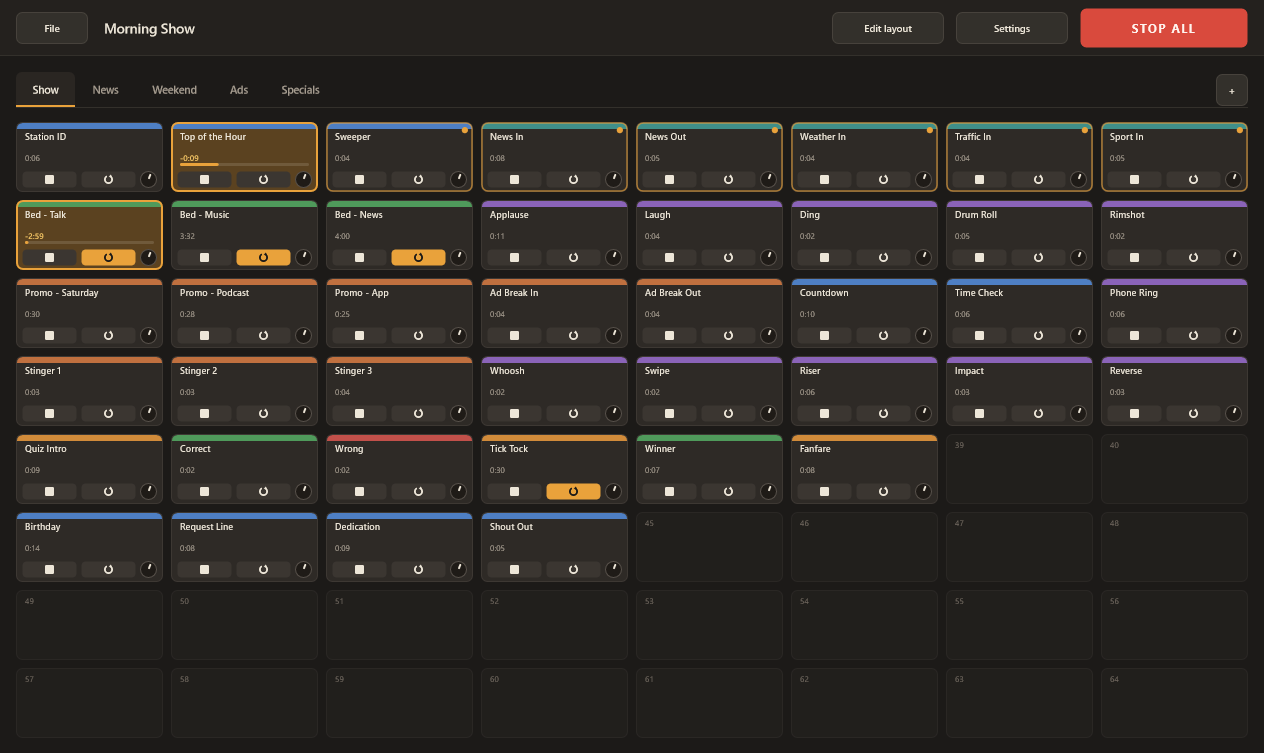
Working as a broadcast operator in a sport radio, I needed a cart wall, so I built my own. It is a jingle machine for Windows - a cart wall of 8 x 8 = 64 pads per page, up to 16 pages on tabs - shaped by what the job needs: a sound that starts the instant it is clicked, and nothing on screen that gets in the way.
Press a pad and it plays; press it again and it restarts. Starting a pad stops whatever else is playing, so one cue hands over to the next without reaching for a stop button. Loop pads are the exception: a bed keeps running underneath while jingles come and go, until its own Stop or STOP ALL (Esc). The page on screen is held in memory, so a press reaches the output at once.
FlowerMachine 0.5.0 is free and open source under the GNU Affero General Public License v3, for Windows 10 and 11, 64-bit. Source code and the full guide are on GitHub.
During the show
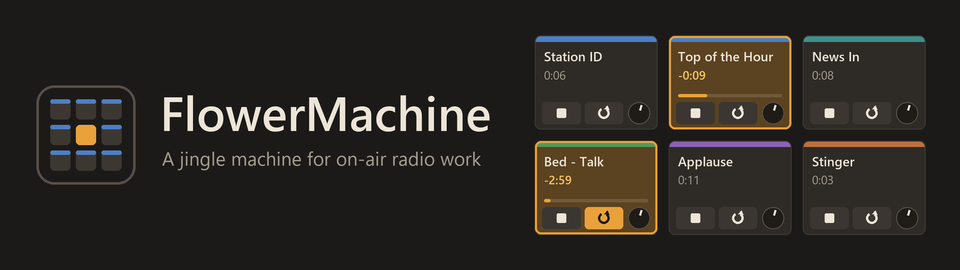
- Pads. Title, colour band (five ready-made colours or any custom one), Stop, Loop and a gain knob from -24 to +18 dB (double-click for 0 dB). A playing pad shows remaining time and a progress bar.
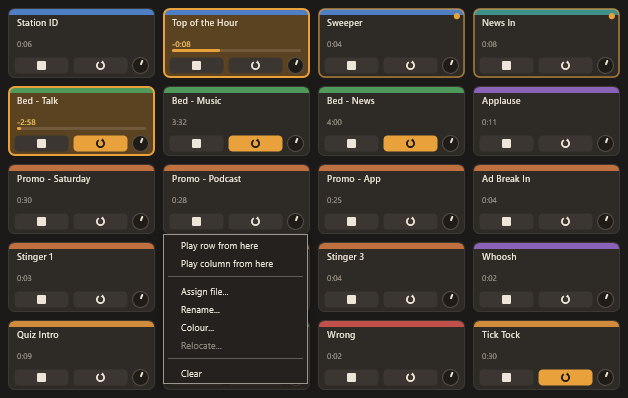
- Sequences. Right-click a pad to play its row or column from there to the grid's edge, with pads still to come marked. Each sound starts a moment after the one before ends: a quick hand-over, not a gapless join. Stopping the sounding pad ends the run; one sequence at a time.
- Loops. A looped pad comes round without a gap. MP3 loops need a LAME-family encoder, which records the silence it added; other MP3s keep a short gap, so loop those as WAV or FLAC.
Before the show
- Loading. Drag a file from Explorer onto a pad, double-click an empty pad to browse, or fill a page's empty pads from a folder in name order. Only the visible page is held, a playing pad carries on when you change page.
- Sample rate. Files not at the output device's rate are converted on load, flat to 20 kHz with images and aliases over 100 dB down; a five-minute bed takes around half a second to a second on a current PC.
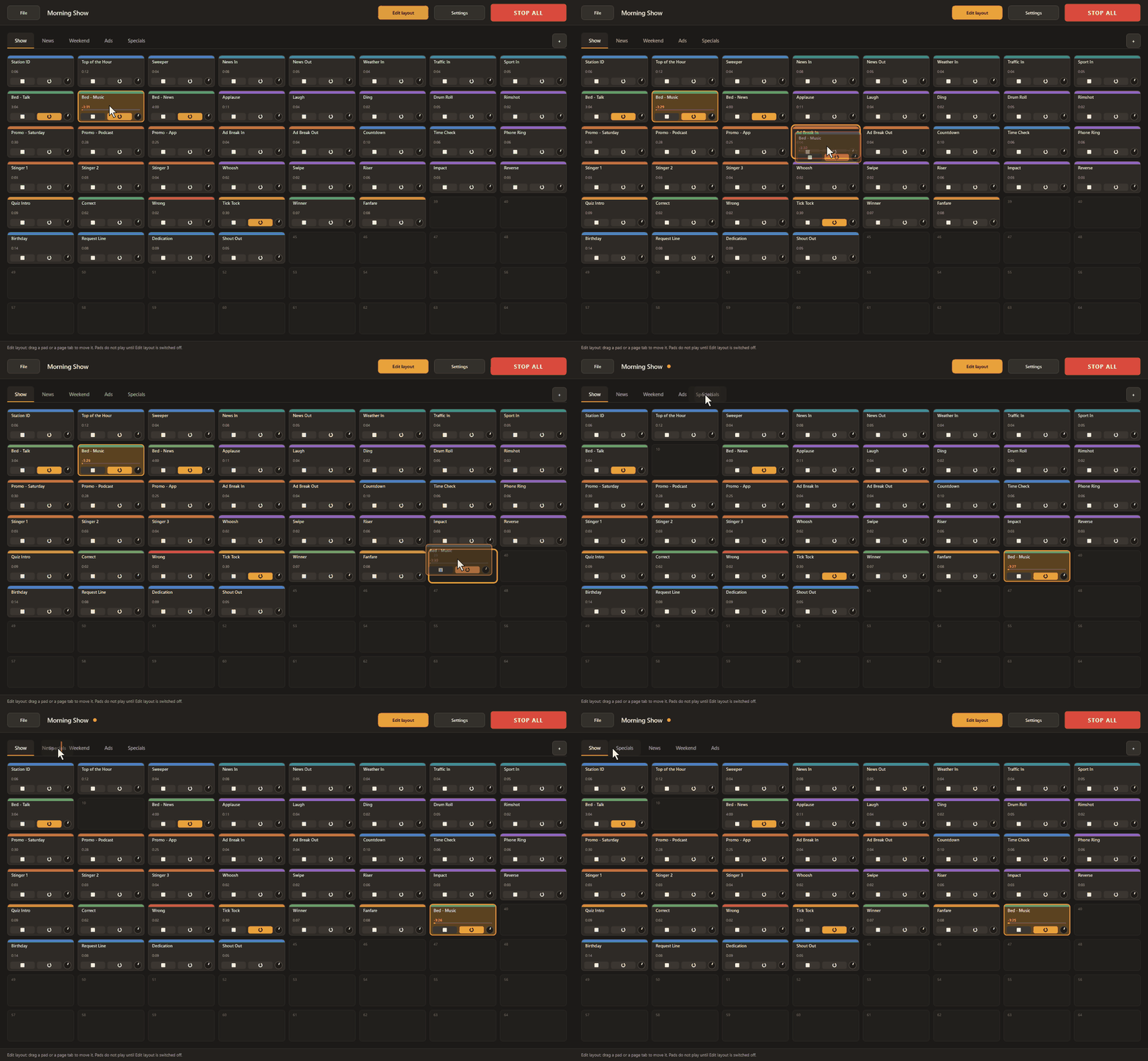
- Edit layout. With Edit layout in the top bar on, drag pads to another cell of their page (onto a pad swaps the two) or tabs into a new order. Pads do not play, a playing pad keeps playing where it lands, nothing reloads, and it is off at every start.
- Presets. A .fmpreset file keeps pages, pads, titles, colours, gains and loop flags; the audio stays in your library. Each pad stores absolute and relative paths, so a preset moved with its audio folder works on another PC. Missing files are marked for relocating and never stop a preset from opening.
Output and screen
- Stereo to one device through WASAPI (shared, low-latency or exclusive) or DirectSound; a test tone checks the routing. AoIP and virtual soundcard drivers can be chosen if Windows lists them as audio devices.
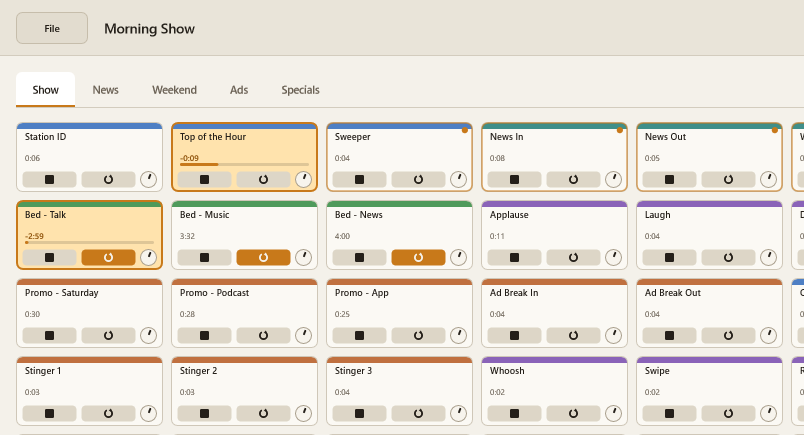
- Dark and light colour schemes. A renderer switch (Direct2D or Software) for older graphics drivers.
Limits
- Windows only.
- WAV, AIFF, FLAC, OGG Vorbis, MP3 and WMA; not AAC, M4A or Opus. Files over 30 minutes are refused;
Download
Install instructions
FlowerMachineSetup.exe installs per user into %LOCALAPPDATA%\Programs\FlowerMachine, without an administrator password.
Three tick-boxes, all on by default: Start Menu entry, desktop shortcut, .fmpreset association (double-click opens a preset).
Uninstall from Apps in Windows Settings.
FlowerMachine-windows.zip holds FlowerMachine.exe, which runs without installing, plus the licence and a readme;
Leave a comment
Log in with itch.io to leave a comment.